
PON CAD 3D Scaffolding Design Software for rental, design and construction companies.
With PON CAD you can:
- quantify materials
- quote by working phases
- create quick drawings for structural analysis
- eliminate loading and transport errors
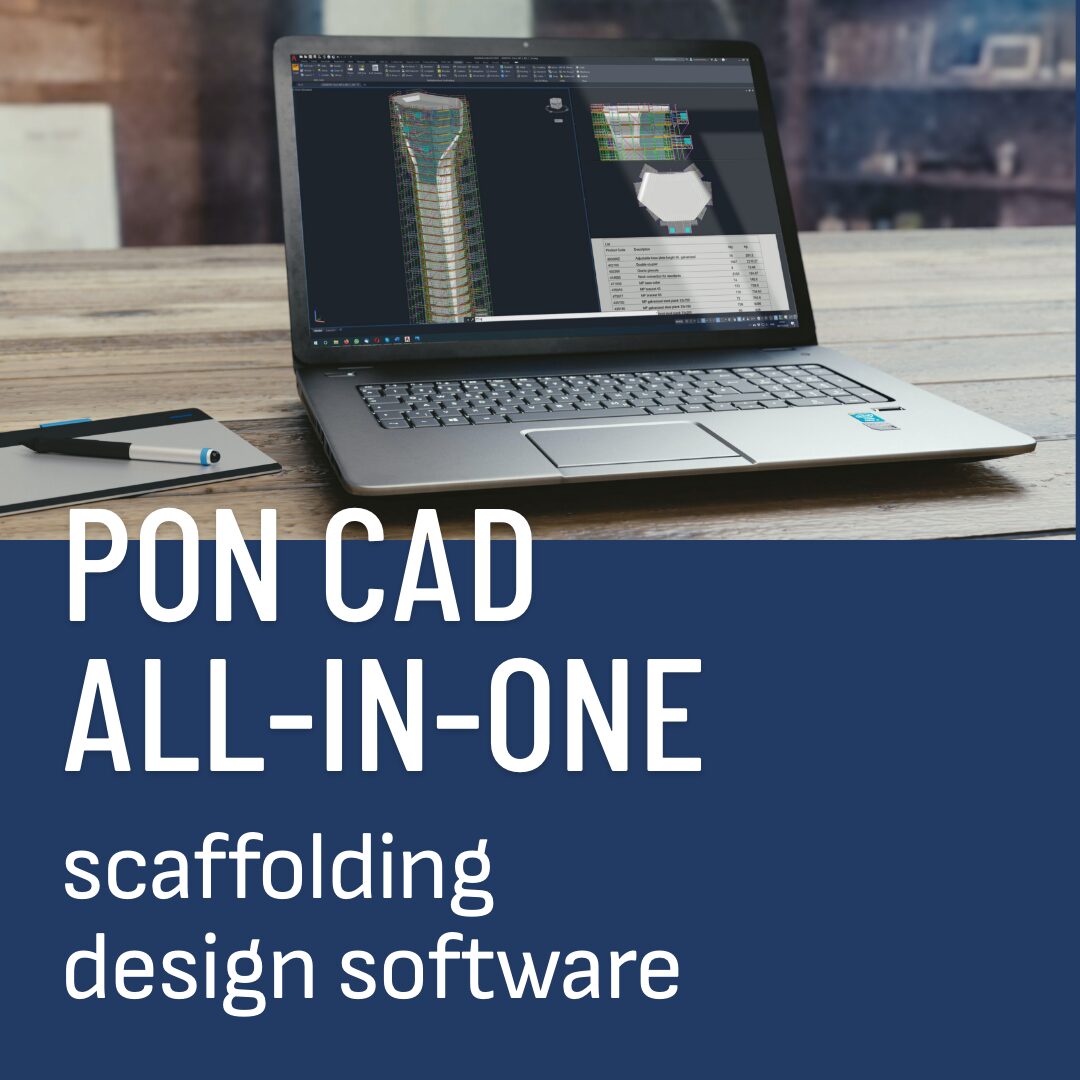


PON CAD ALL IN ONE
From technical design to scaffolding rendering in a single workflow
Outputs for your business: Accurate Drawing & Bill of Materials: Detailed plans and material lists.
Integration: Compatible with warehouse and order management system.
Visuals: High-impact rendering for presentations.
Safety: Structural stress analysis (with dedicated module).
BIM Ready: Export in IFC for maximum interoperability.
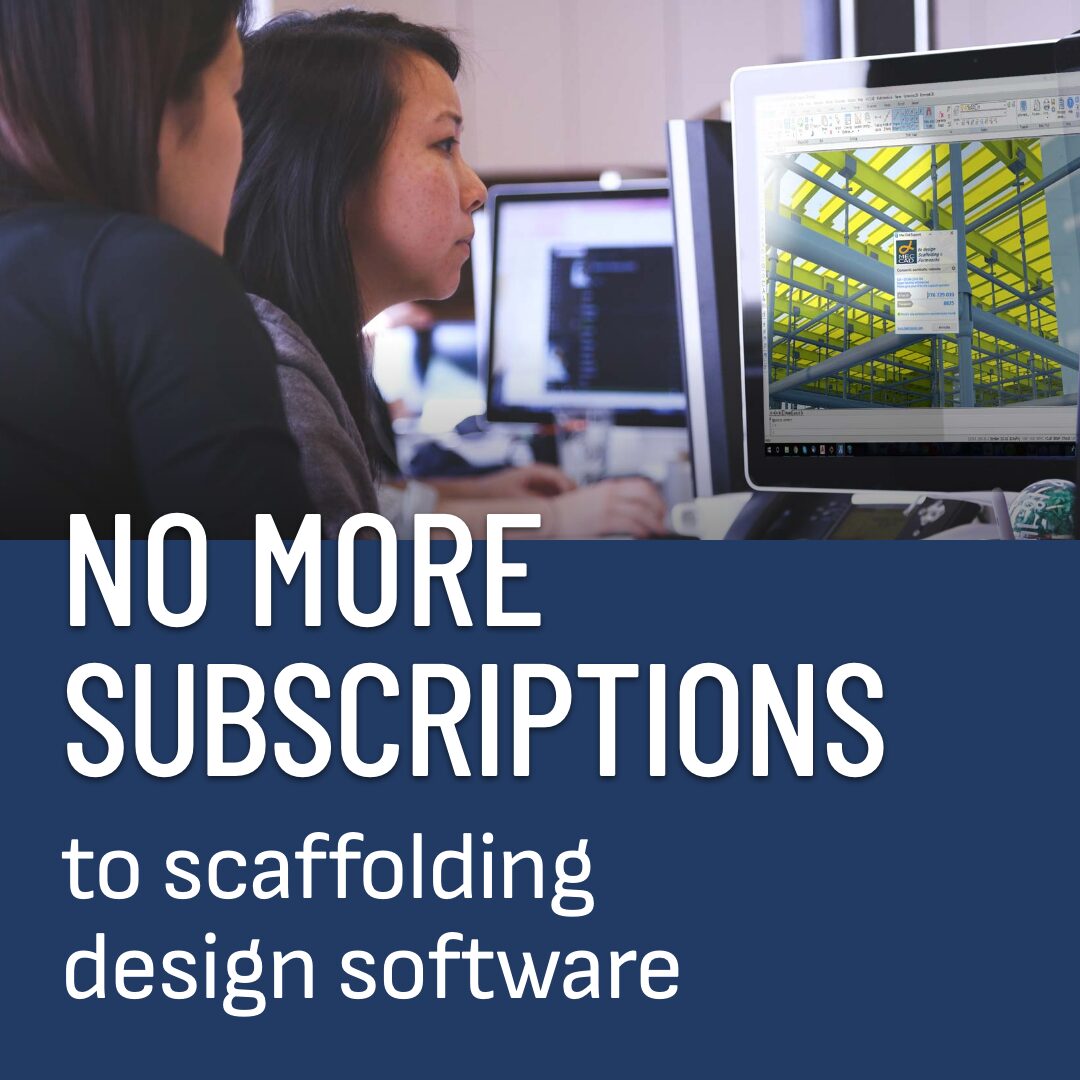


No More Subscriptions
100% yours forever!
PON CAD – The only Scaffolding Plugin
that you pay only once.
- No mandatory subscriptions.
- No hidden costs, just keep working.
- Upgrades? You decide if and when.
- Optional USB key for faster transfer


Multi-product
Design any scaffold type and brand
No constraints: you are not bound to a single manufacturer.
More choices: wide availability of scaffolding catalogues.
Open source: PON CAD uses standard open formats.
Your product: you can add your own scaffolding blocks.
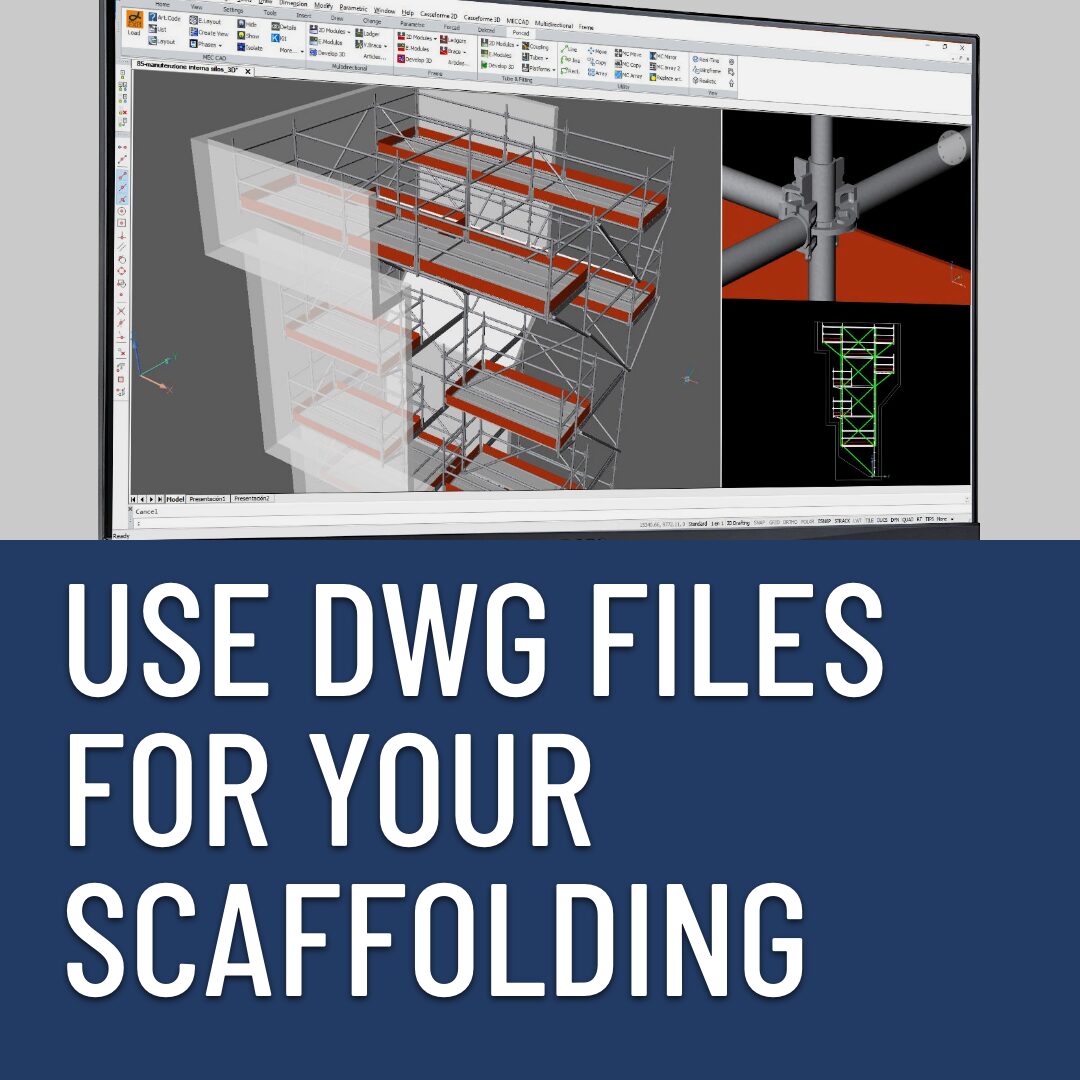


Universal DWG scaffolding
Share projects with other CAD designers, even out of PON CAD
DWG drawings: standard format used worldwide.
Widespread: 40% of designers already master AutoCAD® or BricsCAD®
Open flexibility: customize everything, without restrictions.
Zero learning curve: if you know AutoCAD, you already know PON CAD.



No scheme limits!
Use of smart graphics for top performance
Scalable: suitable from small restorations to large shipyard projects.
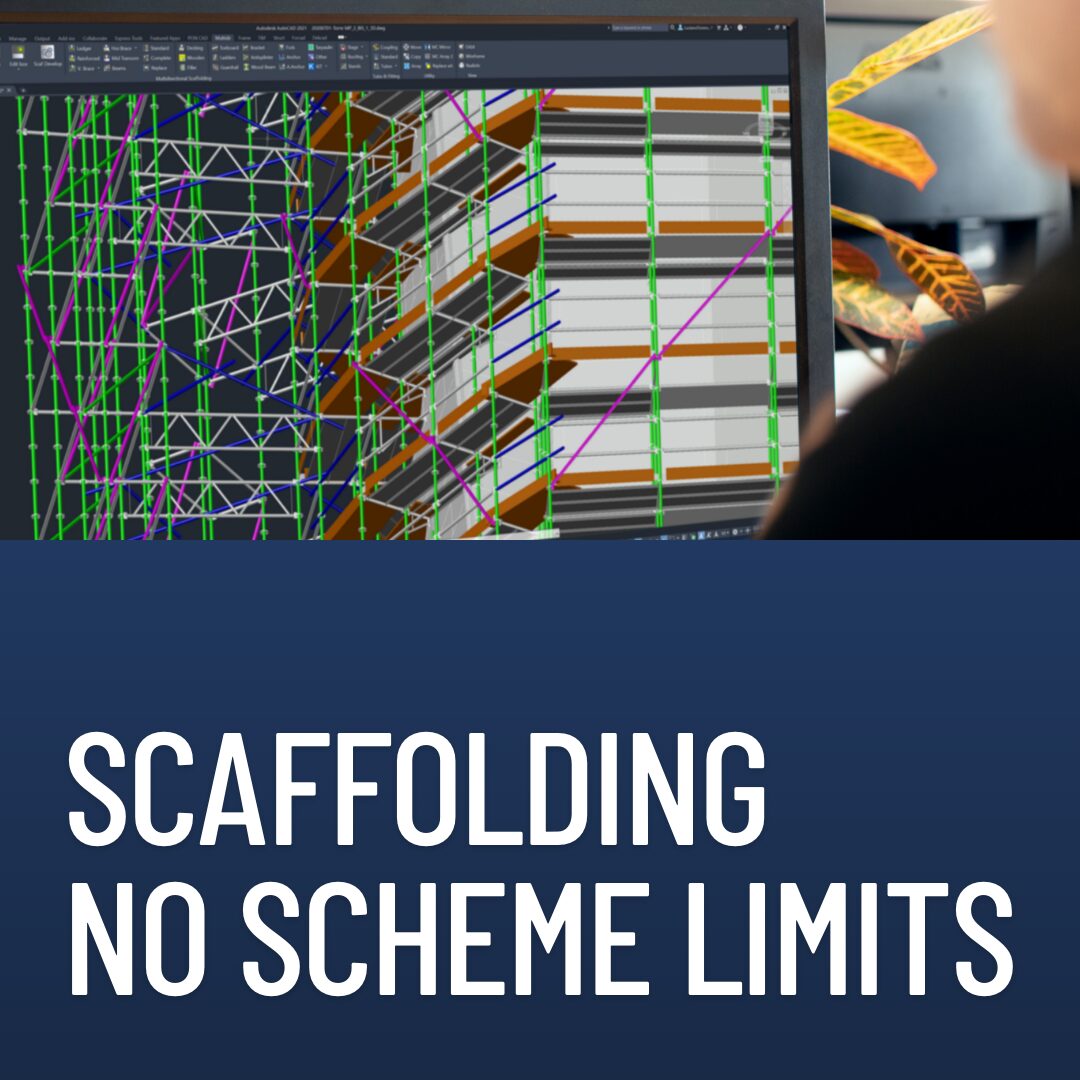
Total flexibility: optimized for every type of project. No scheme limits!
Accurate Drawings & Bills of Materials: detailed plans and material lists. Smart graphics for great layouts.
Regulation versatility: PON CAD adapts to any local regulation applied by the designer.


Plugin is better
Design in your confort zone and enhance your CAD commands
CAD power extention: Use AutoCAD® or BricsCAD® engine to perform fast drawings and combine PON CAD with other plugins.
Ready CAD tools for point clouds and BIM export.
Zero learning curve: if you know CAD, you already know PON CAD.
Use your blocks: PON CAD is highly customizable. Combine PON CAD with your own scaffolding.